
How to Build a Website in One Weekend (Beginner-Friendly)
Article
2026-01-26 • 6 min read

How to Build a Website in One Weekend (Beginner-Friendly)

Building a website in a single weekend is less about magic and more about a clear plan, the right tools, and disciplined execution. For beginners, the goal is not to become a coding expert but to deliver a polished, functional site that serves your needs an...

Building a website in a single weekend is less about magic and more about a clear plan, the right tools, and disciplined execution. For beginners, the goal is not to become a coding expert but to deliver a polished, functional site that serves your needs and can grow over time. With a weekend buffer you can define your purpose, assemble your content, pick a platform that fits your skills, and launch a site that looks and works as if it took far longer to build. The key is to favor platforms that provide templates, hosting, and intuitive editing tools, while keeping scope realistic. If you approach it with a methodical schedule, you will surprise yourself with what you can achieve.

Choosing the right platform is the most important decision in this plan. A few popular options dominate the market due to their balance of ease, speed, and flexibility. Wix offers a straightforward drag and drop interface, a large library of templates, and all in one hosting. It is ideal when you want to get something up fast without fuss and with visual control over the design. Squarespace is known for its design oriented templates and a slightly more curated experience. It excels for visuals and portfolios, making it a strong choice for photographers, designers, and creative agencies; it can feel slightly less flexible than other options but the results are consistently polished. WordPress.com provides a hosted solution that removes most technical tasks while still offering a robust set of features and access to upgrades. For higher customization, WordPress.org paired with a reliable hosting provider gives the most control and the widest ecosystem of plugins, but it requires more hands on setup and maintenance. Webflow presents a hybrid approach with advanced design control without writing code, yet it has a learning curve that pays off for precise interactions. Shopify remains the top choice if your weekend plan centers on selling products online; its ecommerce focus streamlines catalog management, checkout, and payments, albeit with recurring fees. In short, if you want speed and simplicity go for Wix or Squarespace; if you want room to grow and customize go for WordPress in either hosted or self hosted form; for visual design with less code complexity Webflow works well; for ecommerce Shopify is hard to beat.

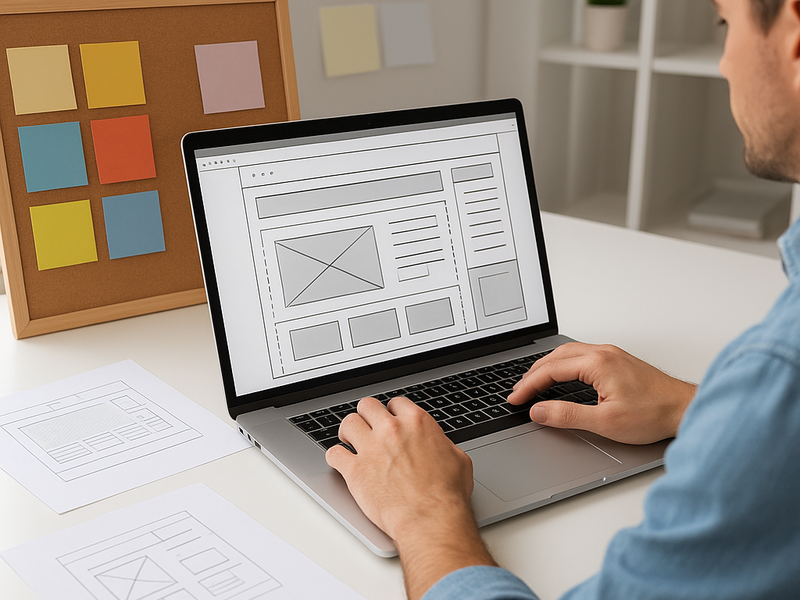
If you are building a site in one weekend, structure and content matter more than fancy features. Start with a simple sitemap: Home, About, Services or Products, Blog or Resources, Contact. Don’t overbuild the navigation at first; aim for a clean path from landing pages to conversion points. Gather your content ahead of time: a concise homepage headline, a short paragraph about what you offer, a couple of client case studies or product highlights, high quality images, and a call to action such as contact form or shop. Templates play a crucial role here; pick one that aligns with your content and brand voice. Customize color palettes, typography, and spacing to create visual harmony, but avoid over customizing in the first pass. The goal is to ship a visually coherent site, not a perfect one.
How to Build a Website in One Weekend (Beginner-Friendly)

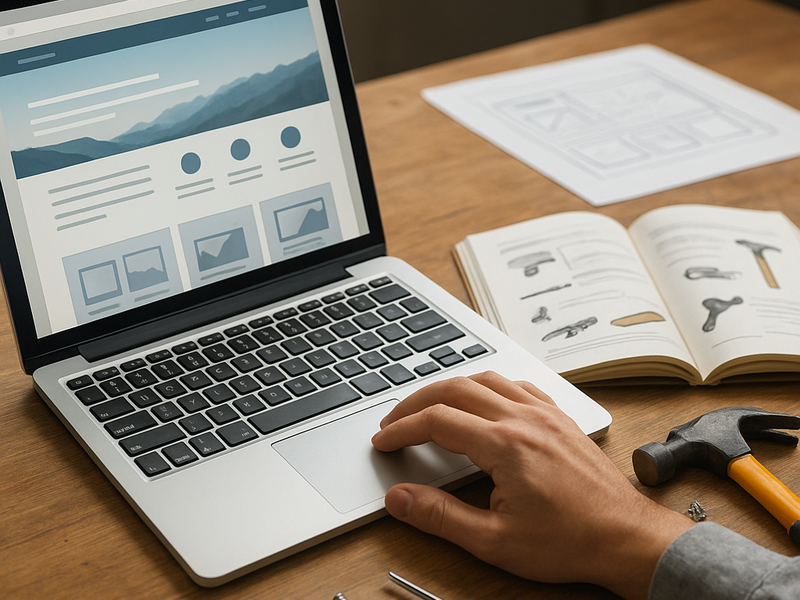
A practical weekend plan helps keep momentum. Friday night, define the site’s purpose, outline the main pages, register a domain, and choose your platform. If you already have a domain, connect it to your chosen host or platform. Set up essential pages and draft the core content. Saturday, focus on layout and design. Choose a template, tailor the header and navigation, insert your content, and add images that reinforce your message. Make sure the site is responsive; preview how it looks on phones and tablets within the platform’s preview tools. Add basic SEO elements like titles, meta descriptions, and alt text for images. Install or enable any necessary plugins or apps for forms, analytics, and caching to speed up loading times. Sunday, polish and publish. Test every link, confirm contact forms work, and ensure your email integration is functioning. Set up Google Analytics or a similar tool to track visitors, and submit a sitemap to search engines. Perform a final readthrough for accessibility, such as adequate color contrast and keyboard navigation. Finally, publish and share the news with your network. If you have time, create a few blog posts or resource pages to show search engines that the site is active.

Time saving tips and common pitfalls can make the weekend smoother. Use a single, reusable template to maintain consistency across pages. Keep images crisp but not oversized to prevent slow loading; many platforms offer optimized image tools. If you expect visitors to contact you, place a prominent call to action on every major page. Preview frequently on mobile devices; a site that looks good on a phone will serve most users well. For SEO, start with clean, descriptive headlines and meta descriptions, and use readable URLs. Security basics matter even for small sites: enable a secure certificate and keep any plugins up to date. If budget allows, consider a basic hosting plan that includes bandwidth suitable for your expected traffic, and use a CDN to improve performance globally.

Compare platforms with real world use in mind. Wix provides quick setup and a broad template library, suited for entrepreneurs who want to go live without fuss, though it can be limiting for advanced customization. Squarespace frequently wins praise for its visuals and consistent design language, making it ideal for creative portfolios and small businesses seeking a polished aesthetic. WordPress.com is great for beginners who want a supported path with room to grow, while WordPress.org gives you full control and a massive plugin ecosystem if you anticipate expanding features and performance needs. Webflow excels when precise design control matters but may demand more time to learn how to leverage its powerful interactions. Shopify concentrates on ecommerce with strong built in features, but its options are tailored to selling products, which can complicate non ecommerce sites. The best choice depends on your goals, budget, and how much you value speed versus flexibility.

As you prepare to launch, build in a plan for ongoing improvements. Set a habit of adding new content regularly, monitor site performance, and adjust based on user feedback. Consider a basic content calendar to keep posts or updates stable and predictable. If your budget allows, reserve funds for ongoing improvements such as deeper SEO work, additional templates, or expanding into new features like a blog, portfolio galleries, or an ecommerce channel. Most successful weekend builds become growing sites, gradually refined after the initial launch as you learn what your visitors respond to. The core takeaway is simple: clarity of purpose, a reliable platform, and a focused weekend plan will deliver a live site that looks professional, loads quickly, and serves your audience without requiring a long and expensive development cycle.

← Back to all articles